Main Header Main Header

Why It Matters

When a PC fails to boot, identifying the cause can be frustrating — especially for first-time builders. The issue may come from the CPU, memory, graphics card, boot device, or other key components.

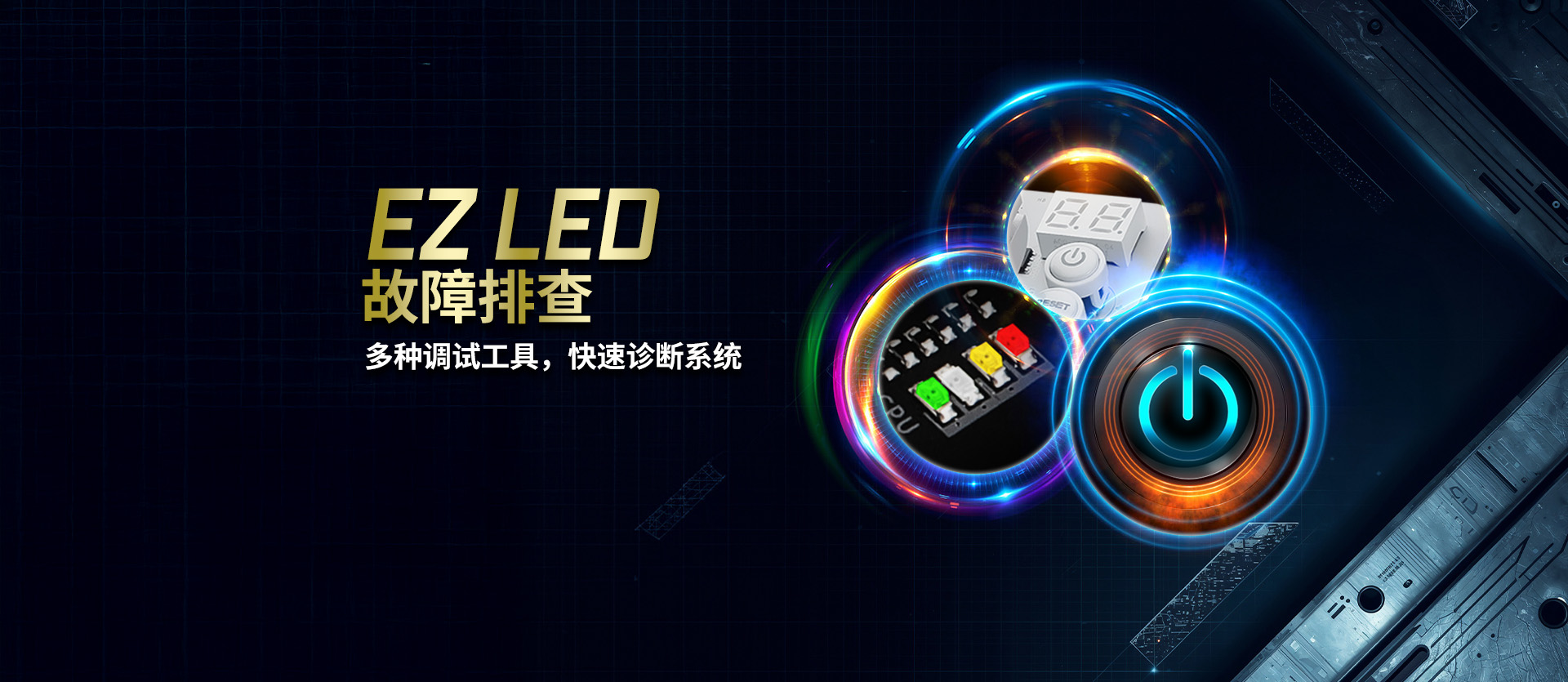
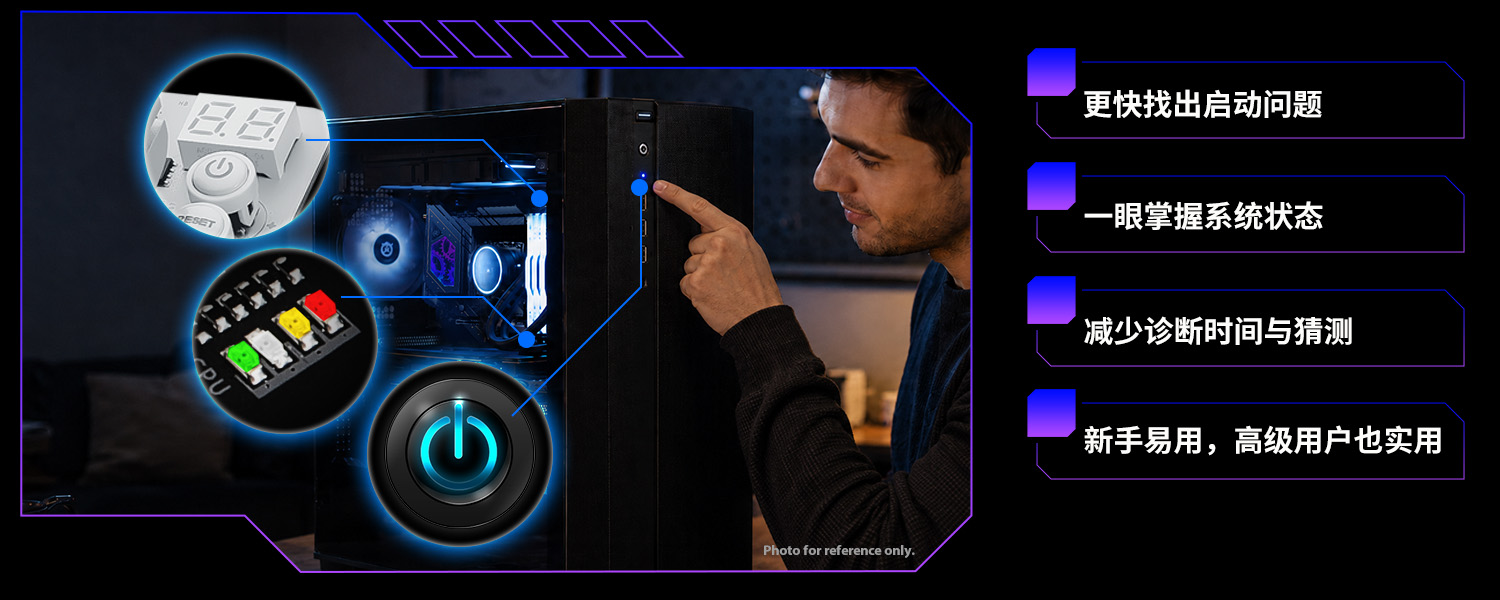
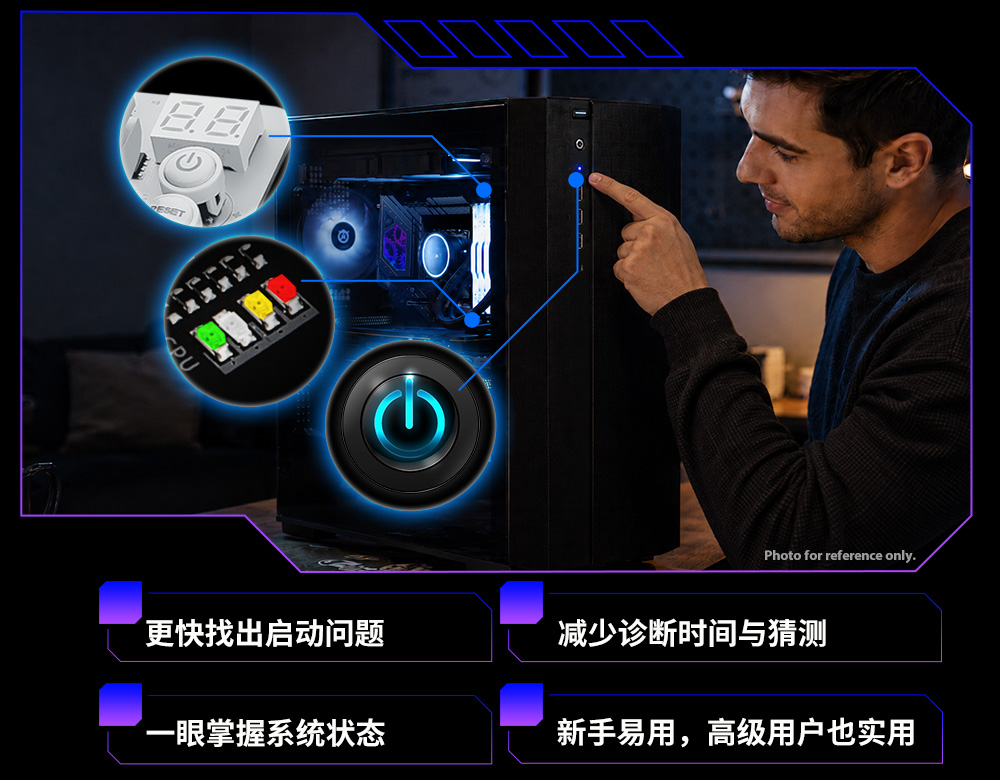
ASRock EZ LED Troubleshooting provides clear visual indicators to help users identify potential boot issues more easily, reducing guesswork and making system troubleshooting faster and more intuitive.

Flexible Troubleshooting Solutions

ASRock offers multiple troubleshooting methods to support different motherboard designs, system layouts, and user scenarios.

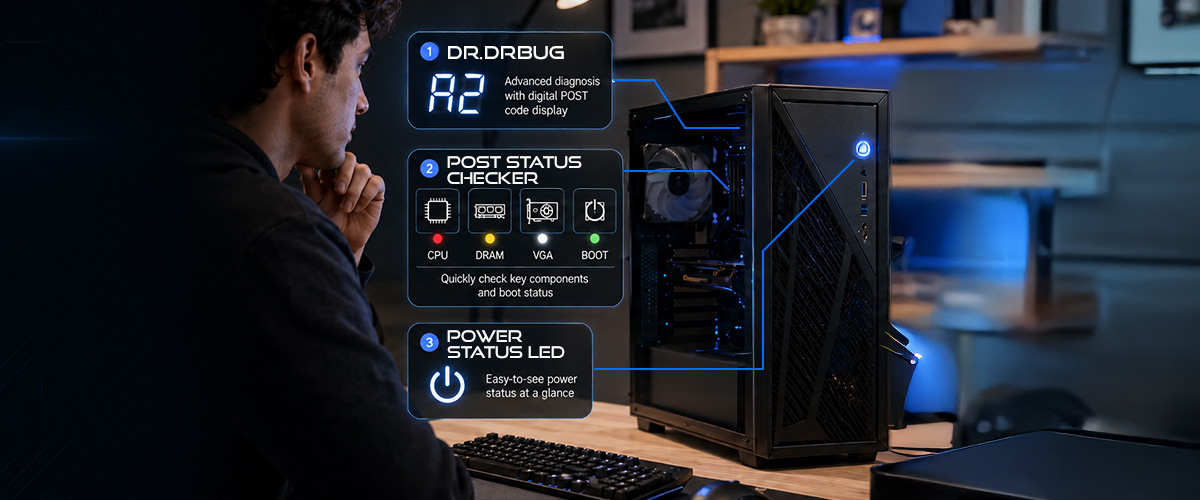
For advanced diagnosis, Dr. Debug provides detailed POST codes to help users identify specific boot issues. For quick component checks, POST Status Checker uses onboard LEDs to indicate key hardware status such as CPU, DRAM, VGA, and boot device. Power Status LED provides another convenient way to check system status through the chassis Power LED, allowing users to choose the most suitable troubleshooting method based on their build environment.

pic01 pic01

LED troubleshooting features vary by model. Each motherboard includes one of the listed features. Please check the product specifications for details.

HOW IT WORKS

With Dr. Debug, POST Status Checker, and Power Status LED, ASRock EZ LED Troubleshooting gives users flexible ways to identify potential system issues — from detailed POST codes to quick onboard LEDs and convenient chassis Power LED indicators.

Dr. Debug

pic

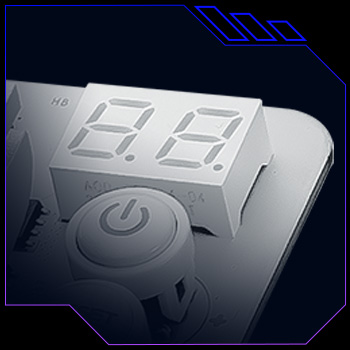
Displays 2-digit POST codes for detailed system diagnosis. Since debug code meanings may vary between AMD and Intel platforms, users can refer to the ASRock Debug LED Troubleshooting Checklist for detailed code information.

Note:
Debug code meanings may vary between AMD and Intel platforms.

POST Status Checker

pic

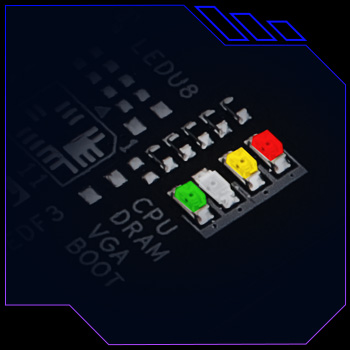
Uses onboard LEDs to indicate key hardware status during startup, including CPU, DRAM, VGA, and boot device.

Power Status LED

pic

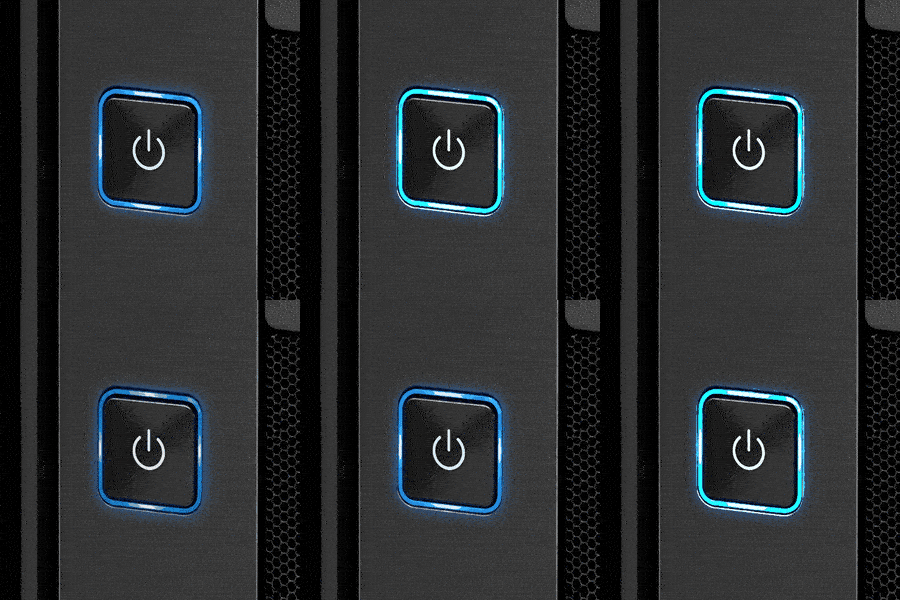
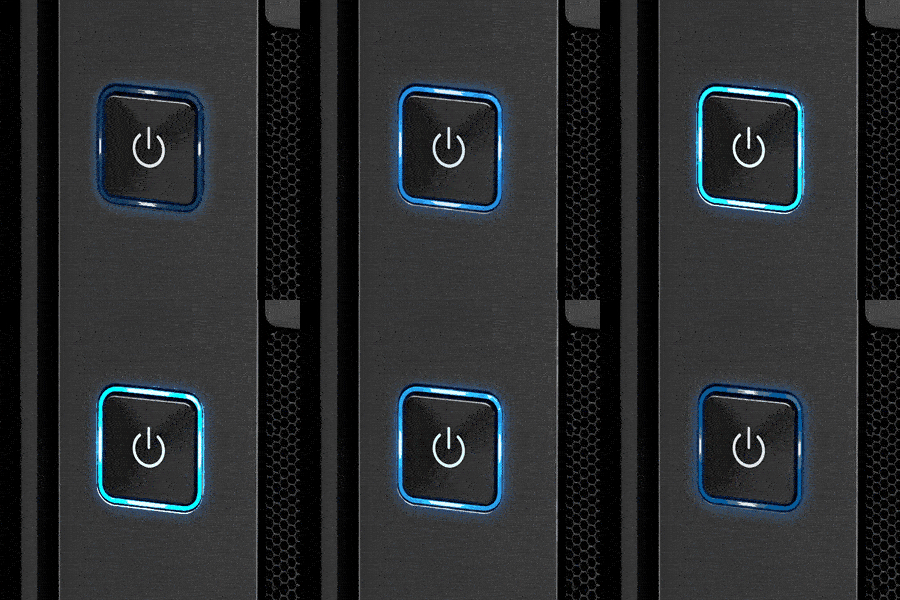
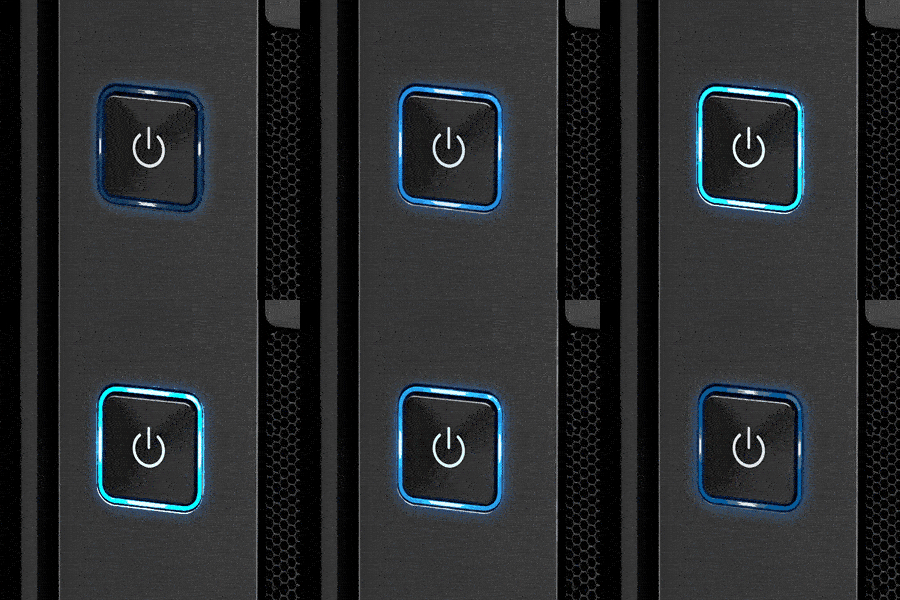
Uses the chassis Power LED as a status indicator. Different blinking patterns can help indicate potential boot issue categories.

Power Status LED

Scenarios
Fast blinking
Slow blinking
Very slow blinking
Description
NO DRAM
NO Console output
No Boot Devices
NO  DRAM NO  Console output No  Boot Devices

Key Benefits

ASRock EZ LED Troubleshooting helps users identify potential system issues more easily.

Key Benefits Key Benefits

LED troubleshooting features vary by model. Each motherboard includes one of the listed features. Please check the product specifications for details.